Dell Latitude, Lenovo ThinkPad or HP EliteBook: what is the difference?
These are three business laptop families. Generation and configuration matter when comparing them: display options, memory layout and compatibility with your desk can change within a family.
Notebook Brokers ·
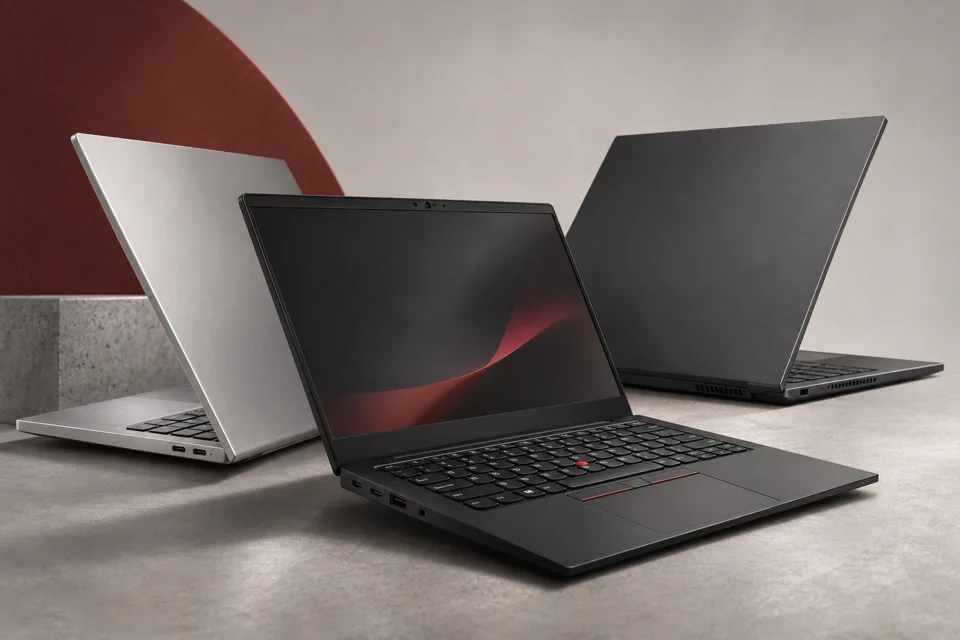
Latitude at an existing Dell desk
If you are replacing a Dell, write down the dock model and the resolution and refresh rate of each display. Dell’s Latitude 5420 support page links to its service manual and battery replacement guidance. Use that documentation for the exact machine, then check display support for the dock and notebook combination.
ThinkPad and EliteBook memory compared
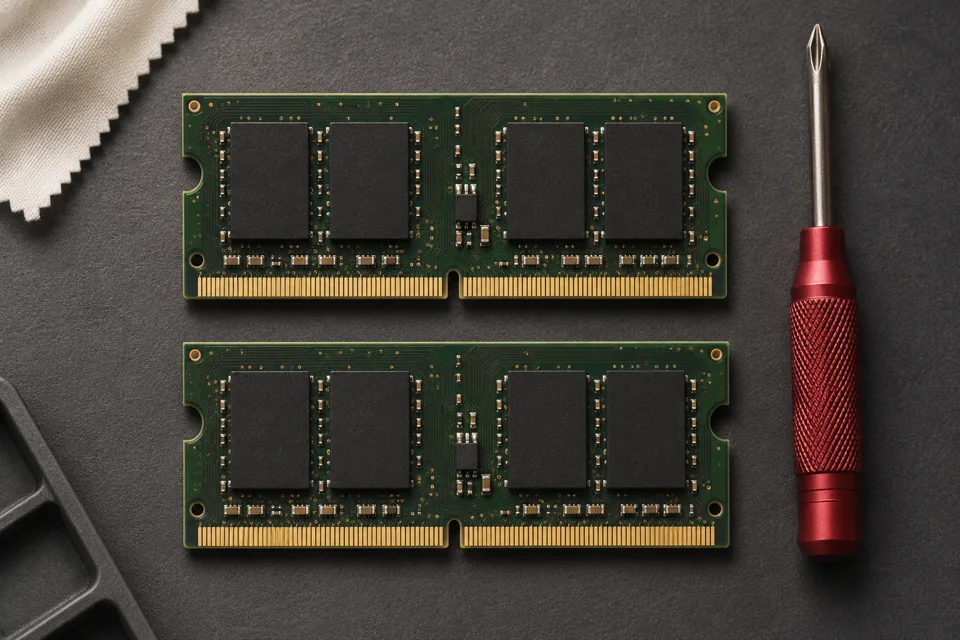
Lenovo lists soldered memory on the ThinkPad T14 Gen 3 AMD. If your workload will need 32 GB, choose the capacity at purchase. HP lists both one 16 GB module and two 8 GB modules for the EliteBook 840 G8. Both configurations appear as 16 GB in a listing, yet the cost of expanding them may differ.
Choose by trying the work you do
Request the panel specification, keyboard layout and actual battery condition. Try the navigation keys if you spend hours in spreadsheets. For travel, compare weight including the charger. At a docked desk, test both screens at the resolution you need. These observations give you a reason to choose one individual machine over the other two.