Should I upgrade an older business laptop or buy a newer used model?
Identify the delay you want to remove. Running out of storage, running out of memory and waiting for a video export are different problems. A larger drive is useful only when it addresses the constraint.
Notebook Brokers ·
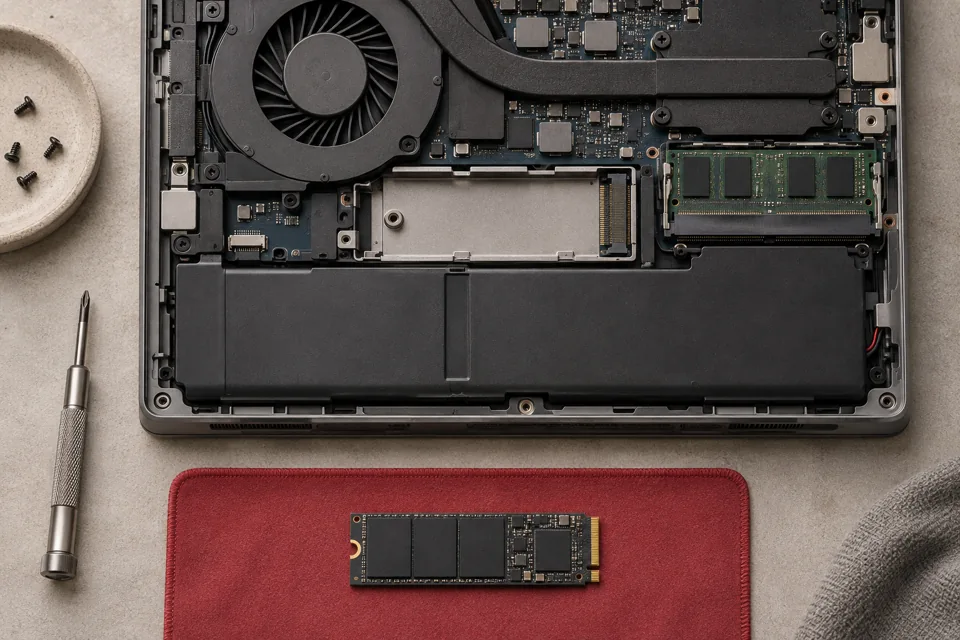
Observe the slowdown
Open a representative project and watch system resource use when the delay occurs. If memory stays full and closing several applications makes the machine responsive, investigate a memory upgrade. If the drive is nearly full, measure your working files and local copies. If graphics work takes too long, check the application requirements before ordering parts.
Verify what can actually be changed
Read the manual for the full model designation. A ThinkPad T14 Gen 3 AMD has soldered memory and a replaceable M.2 2280 SSD. Another T14 generation can have a different layout. Before changing drives, verify your backup, save your encryption recovery key and ask how self-service affects support for the unit.
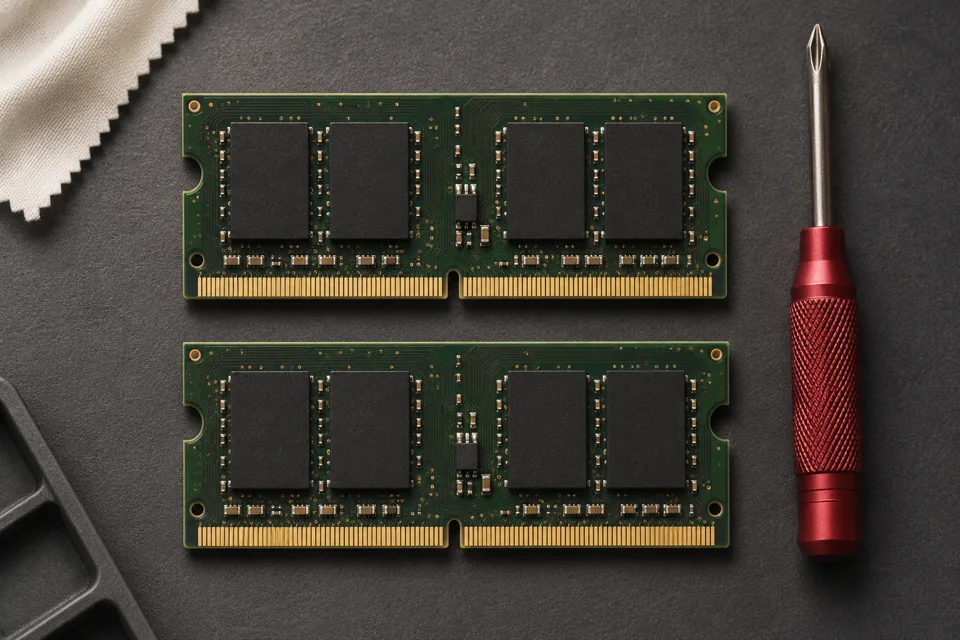
Compare the total cost of each route
Suppose memory and fitting cost €75, while moving to a newer used laptop costs €240 after selling the old one. If memory is the only constraint, the upgrade leaves €165 for other needs. If the hinges and battery also need attention, add those quotes, migration time and downtime to the comparison. Treat these figures as a worked example.