How can I spot hidden damage in a used business laptop?
Look for faults during transitions as well as at startup. Opening the lid, connecting a monitor while charging, waking from sleep and running a real workload can reveal problems a clean desktop screen will miss.
Notebook Brokers ·

Inspect the case and display
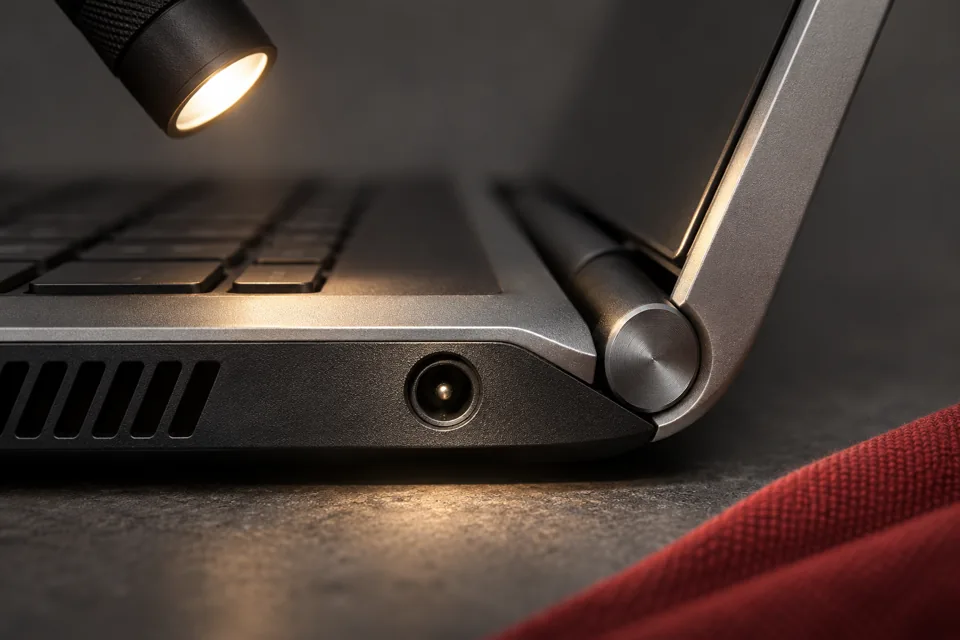
Place the laptop on a flat desk. Look along the seams, open the lid gently and watch the hinge mounts. Light and dark solid backgrounds help reveal pressure marks, lines and defective pixels. A separating case or raised trackpad can indicate battery swelling. Stop testing, disconnect power and have the machine professionally inspected.
Test features together
Connect the charger and external display at the same time. Make a short video call to check the camera, microphone, wireless connection and speakers. Put the machine to sleep, wake it and reconnect the display. Record the exact sequence if power or video cuts out. A repeatable description is more useful to a seller than a general complaint.
Ask for evidence when buying remotely
Request close-up photos of corners and ports, diagnostic results and a battery report for the actual unit. Match the configuration to the listing. Ask whether the former organisation has released the device and whether ordinary setup is possible. A short test cannot rule out every intermittent fault, so check the service process before paying.