How to choose a business laptop for your working day
Picture a day away from your desk. Would a flat battery, a cramped spreadsheet or a slow project build stop you first? Use that constraint to shortlist two configurations.
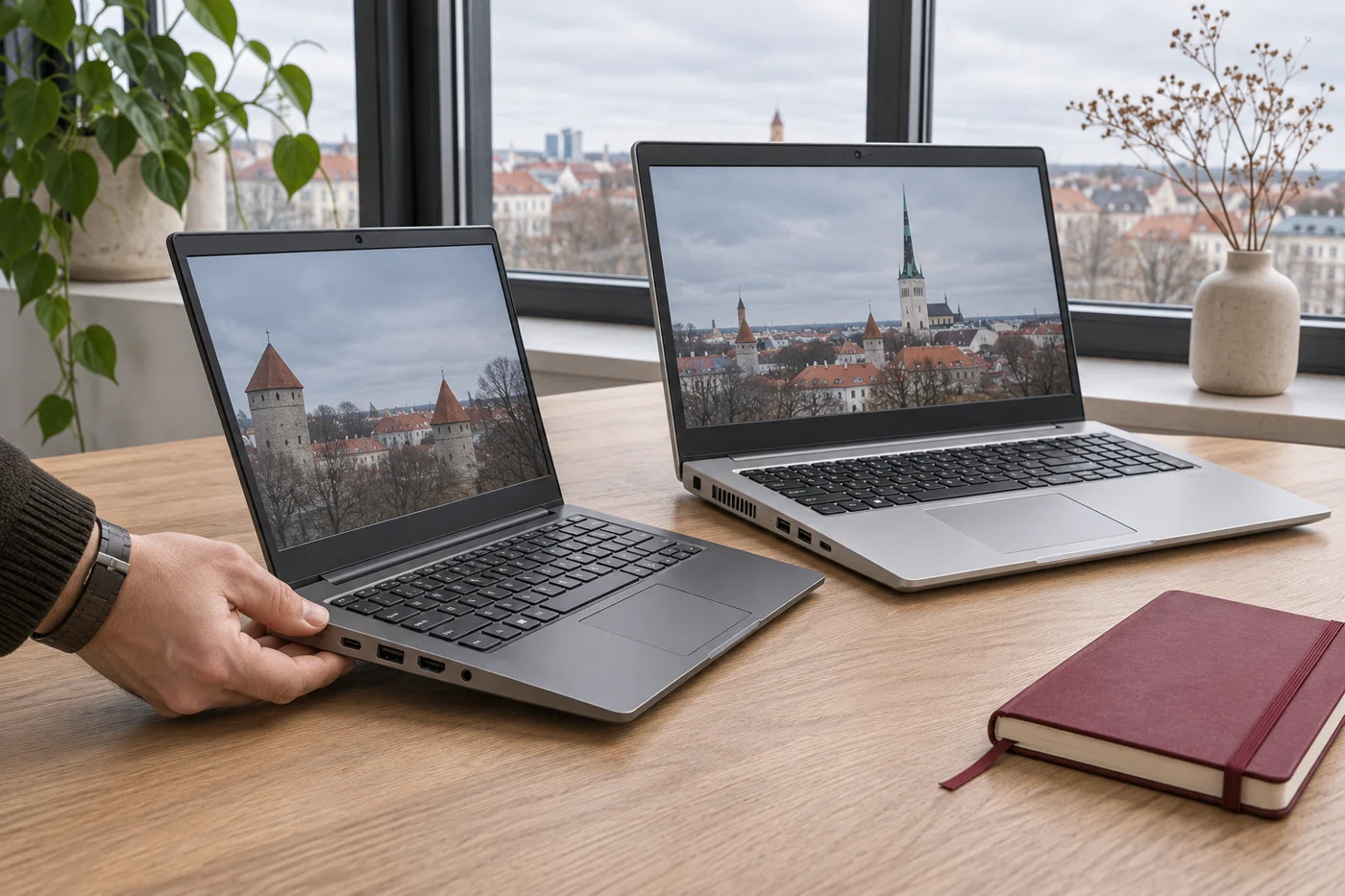
A train table or two external screens?
Try your widest spreadsheet at a comfortable zoom. A 13–14 inch machine fits a small table; a 15–16 inch panel may save constant scrolling. Weigh the charger as well as the laptop. At your desk, check each monitor’s resolution and refresh rate and whether the USB-C dock supplies power.
One model name, two upgrade paths
The AMD ThinkPad T14 Gen 3 has soldered memory. An 8 GB unit stays at 8 GB. The Intel version has soldered memory and one SO-DIMM slot. Ask which module is installed and price the upgrade before comparing offers.
Lenovo · ThinkPad T14 Gen 3 AMD · Lenovo · ThinkPad T14 Gen 3 IntelRead the battery report
Run powercfg /batteryreport in Windows. Compare Full charge capacity with Design capacity: 42 Wh against an original 56 Wh is about 75%. It does not predict hours of use. Try a video call on battery at your usual brightness.
Microsoft · WindowsInspect the actual unit
Integrated graphics often suits calls and spreadsheets. For 3D or gaming, check your application’s GPU requirements and listen to the fan under load. Request a photo of the keyboard layout, test the hinges, camera and charging port. Compare both candidates after including any replacement battery, charger or dock.